Blog
Why copy and paste between devices is still hard
Built-in clipboards only link some phone and computer pairs. Here is which pairs work, which don't, and what to do about the rest.
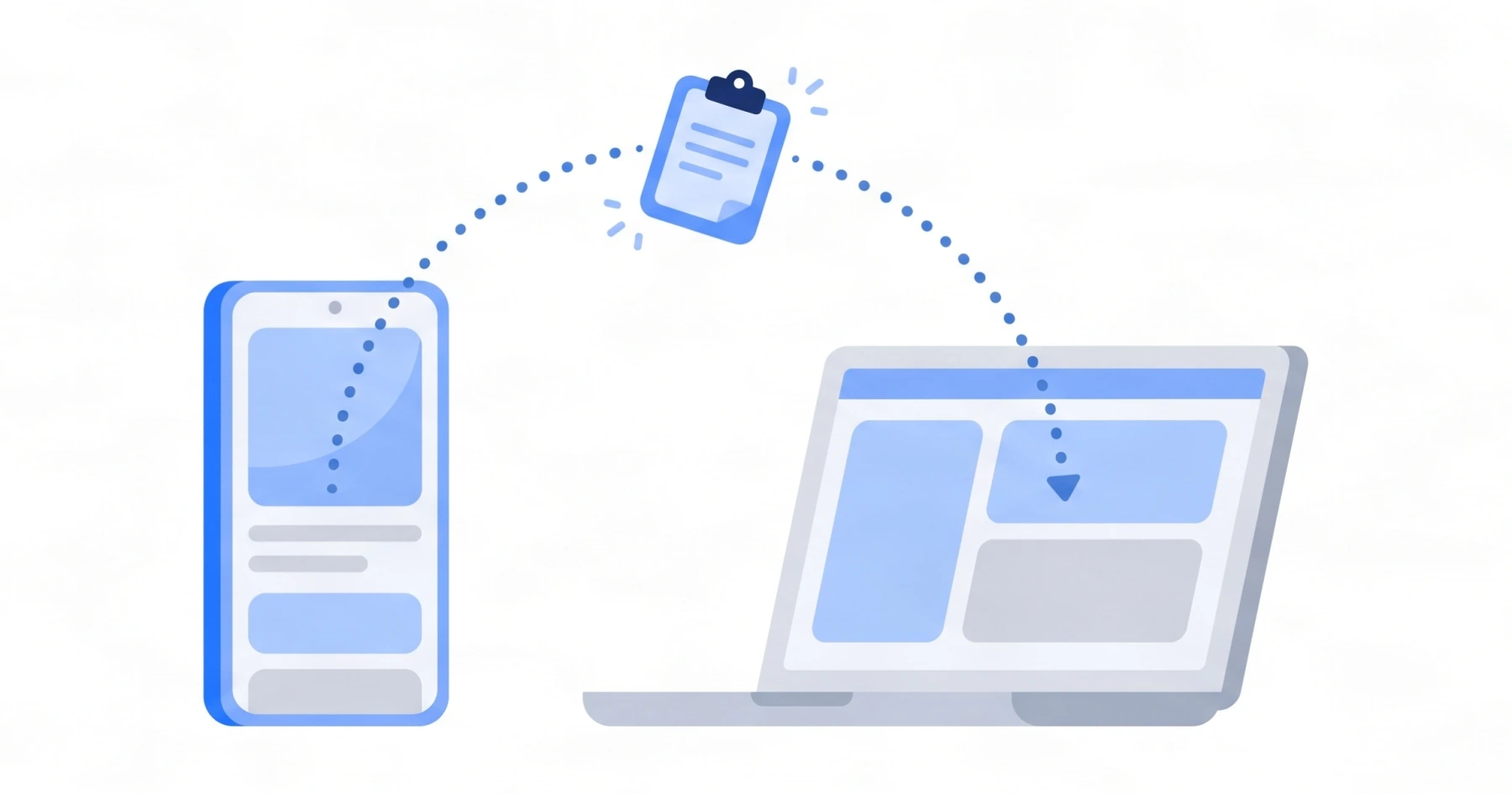
You copy a link on your phone and want it on your computer. It should take a second. For many phone and computer pairs, it still takes an email to yourself or a message to a friend.
Which pairs work out of the box
Each platform maker built a clipboard that works inside its own ecosystem:
| Phone and computer | Built in | The catch |
|---|---|---|
| iPhone and Mac | Apple’s Universal Clipboard | Same Apple Account, within about 10 metres |
| Android and Windows | Windows clipboard sync with Microsoft SwiftKey, or Phone Link | SwiftKey as the keyboard, or a supported Samsung, HONOR, OnePlus or OPPO phone |
| iPhone and Windows | Nothing for copy and paste | Phone Link handles calls, messages and notifications only |
| Android and Mac | Nothing | Apple’s feature stops at Apple devices |
If your phone and computer come from different makers, you are in the gap.
Why the gap exists
Each built-in clipboard relies on something only its own platform controls: the account, the keyboard, or a radio link between devices. Nothing in them is designed to reach a device from another maker. That is why a clipboard that works over the internet, with no account tie to one platform, is the practical answer for mixed devices.
What to do instead
- For a web page only, Chrome’s
Send to your devicesworks if you are signed in to the same Google Account on both. - For text, links and files on any pair, use a cross-device clipboard such as UniClip: open the web app on the computer, scan its QR code with the phone app, then send from the phone and click the clip in the browser to copy it.
Step-by-step instructions for each pair are in the guides below.